Creating a home office that is both comfortable and productive can make a significant difference in your work-from-home experience. Whether you’re a freelancer, a remote employee, or someone who occasionally works from home, setting up the right space helps you focus, stay motivated, and maintain a healthy work-life balance. Below are practical tips to help you design a home office that suits your needs.
Choose the Right Location
Your home office should be placed somewhere quiet and free from distractions. If possible, pick a room or corner that is separate from your daily living space. This separation helps create a mental boundary between work and relaxation time.
Consider Natural Light
Try to position your desk near a window. Natural light can improve mood and energy levels, reducing eye strain. When natural light isn’t enough, invest in quality artificial lighting such as adjustable desk lamps or overhead lights that provide even, glare-free illumination.
Invest in Comfortable Furniture
Comfort is key for long work hours. A good office chair with proper lumbar support helps maintain posture and reduces the risk of back pain.
Desk Options
Choose a desk that fits your work needs—whether it’s holding a computer, paperwork, or other tools. Standing desks or adjustable desks can be beneficial, allowing you to switch between sitting and standing throughout the day.
Organize Your Workspace
A clutter-free desk encourages focus and reduces stress.
– Use organizers, trays, or drawers to store supplies.
– Keep only essential items on your desktop.
– Cable organizers can help manage cords and prevent tangles.
Personalize, But Keep It Professional
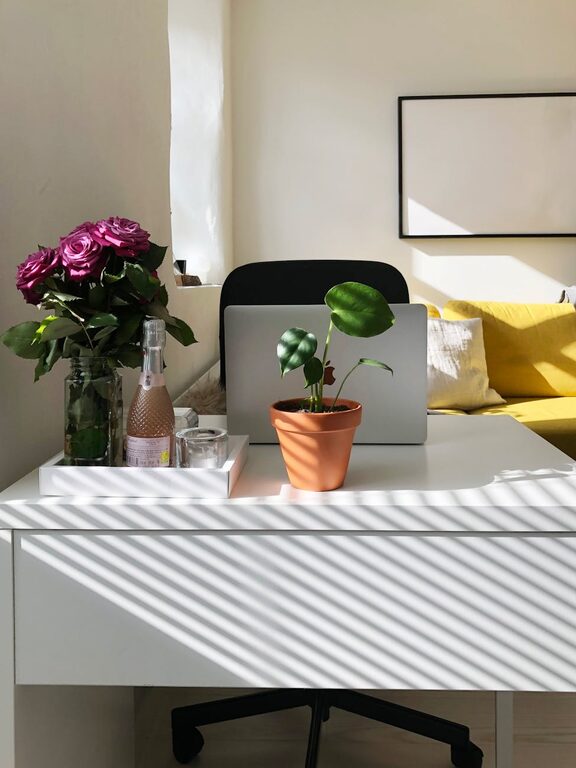
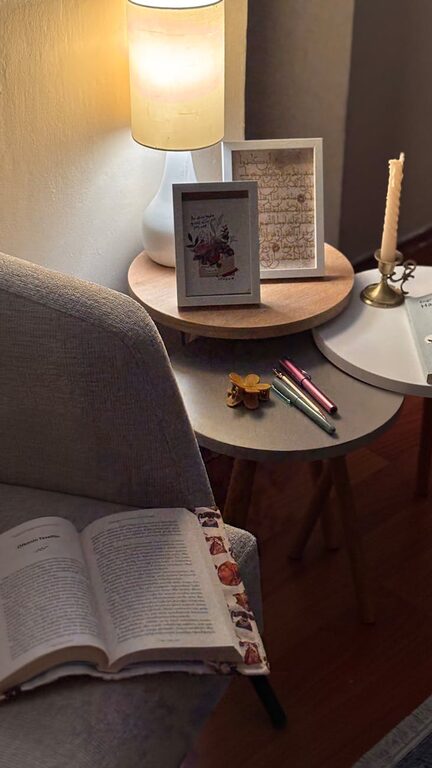
Adding personal touches like plants, artwork, or photos can make your office welcoming and motivating. However, avoid too many distractions by keeping decor simple and tasteful.
Manage Noise Levels
If your home is naturally noisy, consider noise-cancelling headphones or white noise machines. These can help you concentrate better, especially during calls or focused work sessions.
Optimize Technology Setup
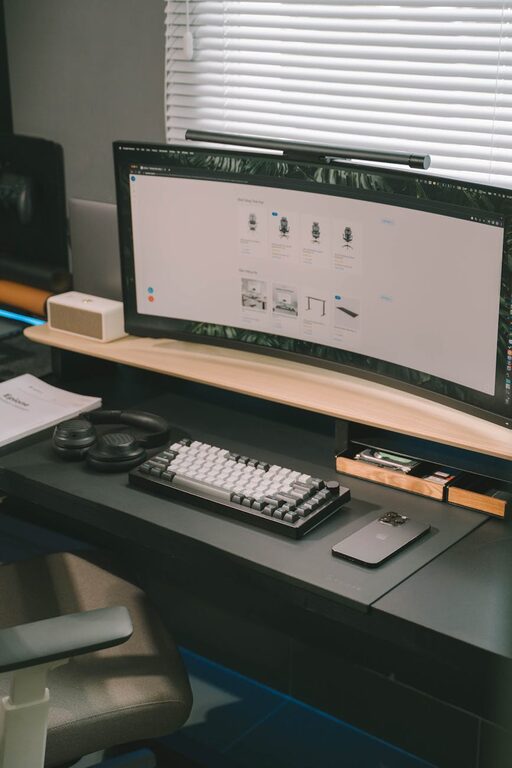
Ensure your computer, printer, and other devices are arranged ergonomically.
– Position your monitor at eye level.
– Use an external keyboard and mouse if needed to maintain good posture.
– Keep chargers and cables accessible but tidy.
Create a Routine
Design your workspace to signal the start and end of the workday. This might include setting regular hours, dressing for work, or having a morning setup ritual. Consistency improves productivity and helps separate work time from leisure.
Take Breaks and Move
Set reminders to stand, stretch, or walk around every hour. Moving regularly helps reduce physical strain and refreshes your mind.
Maintain Good Air Quality
Good ventilation or an air purifier can keep your workspace comfortable and healthy. Avoid working in stuffy or overly warm rooms.
—
By putting these tips into practice, your home office can become a place where you enjoy spending time and are able to produce your best work. Remember that it is a personal space and should reflect what helps you feel comfortable and focused. With a little effort, you can create a productive environment that supports your goals.